Product Description
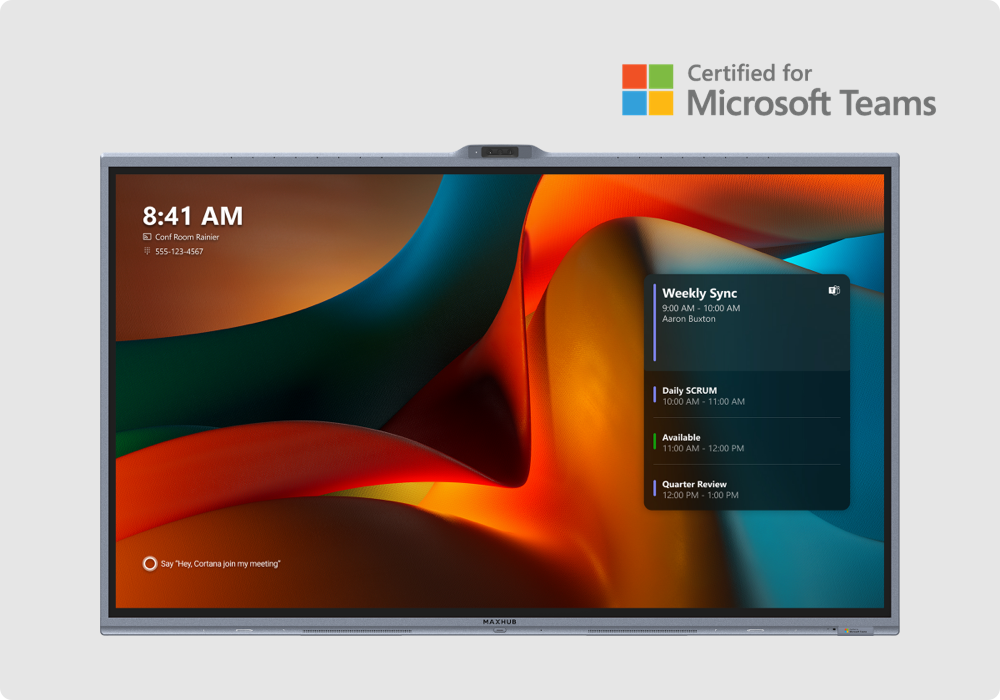
The MAXHUB U4 Series is an advanced 4K interactive flat panel designed for smart classrooms and premium corporate boardrooms. It features a Google EDLA-certified Android 15 OS, a powerful 8-core processor, and a 50MP AI tracking camera, providing an all-in-one hub for seamless hybrid collaboration.
- Display & Touch: Available in 65" 4K UHD non-glare screens. It utilizes TV-certified flicker-free DC dimming, supports 50 points of touch, and boasts 0.5 mm accuracy.
- Audio & Video: Includes a built-in 50MP wide-angle lens with speaker tracking, auto-framing, and an 8-array microphone spanning a 180 field. It also features AI noise reduction, an audio fence, and a 2.2 channel SkyWave sound system.
- Performance: Powered by an 8-core CPU, dedicated 6 TOPS NPU for AI tasks, 16GB RAM, and 256GB storage.
- Connectivity: Features Wi-Fi 6, Bluetooth 5.2, and Type-C one-cable connectivity enabling up to 100W charging
Powerful Dual OS FlexibilityEffortlessly switch between Android and Windows operating systems to suit diverse usage scenarios-from interactive lessons to advanced business applications. This unique flexibility helps you run apps, resources, and software best suited to your environment.
Immersive Interaction and CollaborationWith a 20-point touchscreen, built-in camera, pen support, and wireless sharing, the MAXHUB U4 promotes dynamic, real-time collaboration. Present, brainstorm, or annotate seamlessly, making meetings and lessons more engaging for everyone involved.
Premium Build & Visual ExperienceFramed in aluminum alloy with anti-glare, tempered glass, the 65-inch 4K UHD display offers vivid images and comprehensive viewing angles. Enjoy superb clarity and color whether you are presenting in a classroom, conference room, or open office space.
FAQ's of MAXHUB U4 65 inch:
Q: How do I switch between Android and Windows operating systems on the MAXHUB U4?
A: Switching between Android and Windows OS is simple. Use the built-in menu interface or remote control to toggle effortlessly based on your current needs such as running Android apps or Windows software.
Q: What are the main benefits of the 20-point touch capability?
A: The 20-point touch feature enables multiple users to interact simultaneously, making collaborative activities, brainstorming sessions, and student engagement in classrooms more dynamic and efficient.
Q: When should I use the built-in camera, and what are its specifications?
A: The built-in Full HD or 4K camera is ideal for video conferencing, remote education, or smart meetings, delivering high-quality visuals for seamless virtual communication. The resolution depends on the selected configuration.
Q: Where can the MAXHUB U4 be installed?
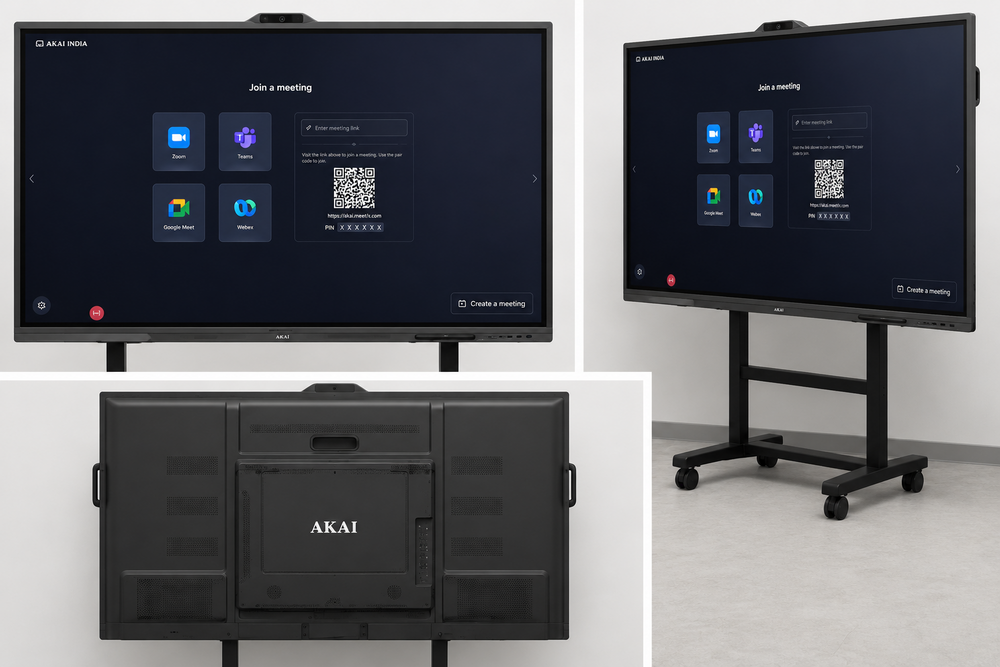
A: The display is compatible with both wall-mount and movable stand setups, making it suitable for classrooms, conference rooms, offices, or training spaces needing flexible installation options.
Q: What is the process for wirelessly sharing content to the MAXHUB U4?
A: Simply use device mirroring or screencasting features to share content from your smartphone, laptop, or tablet wirelessly to the interactive display, streamlining collaboration and presentations.
Q: How does the anti-glare tempered glass benefit users?
A: The anti-glare tempered glass offers clear visibility under various lighting conditions and provides robust protection against scratches, making it safe and durable for active environments.
Q: What kind of warranty and support does the MAXHUB U4 offer?
A: The display comes with a comprehensive 3-year warranty, ensuring reliable service and peace of mind for extended use in educational and business settings.




 Send Inquiry
 Send Inquiry
 Send SMS